



When employees run out of screen space, the instinctive fix is often to add another monitor.
At Wise Accounting in Busselton, Western Australia, Tyler Wise CPA took a different approach. After working across two 27-inch monitors, he moved to a single 49-inch ultrawide, giving him room to keep workpapers, client data, ATO information, and his browser visible across one workspace. His team also adopted ultrawide screens.
It is a good example of why ultrawide computer monitors are attracting attention beyond gaming and home setups.
Instead of working across separate screens, an ultrawide monitor provides enough room for many applications and tasks to sit side by side on the same screen.
So, when is an ultrawide monitor genuinely worth the upgrade, and when is a regular or dual-monitor setup still the smarter choice?
What Is an Ultrawide Monitor?
An ultrawide computer monitor is designed to give you more horizontal screen space than a standard computer monitor.
Most conventional monitors use a 16:9 aspect ratio, while ultrawide computer monitors commonly use a wider 21:9 format, giving you noticeably more width without adding as much height.
How much extra space you get depends on the monitor size.
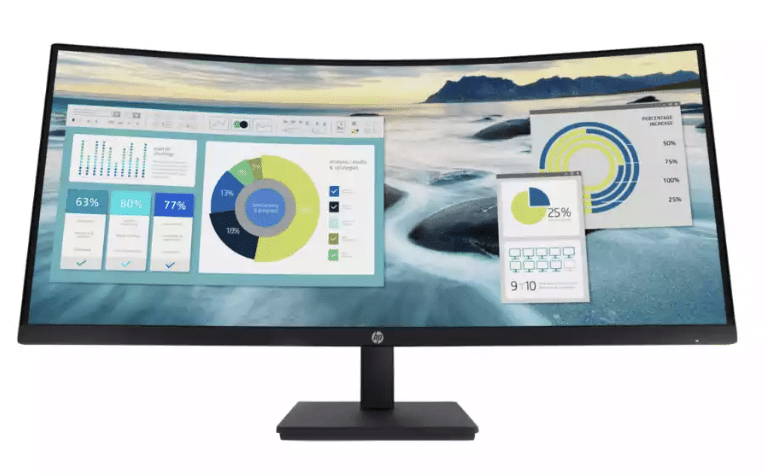
A 34-inch ultrawide is excellent for everyday business use, giving employees more screen space without dominating the desk. The HP P34hc G4 34-inch Curved Monitor is one example.
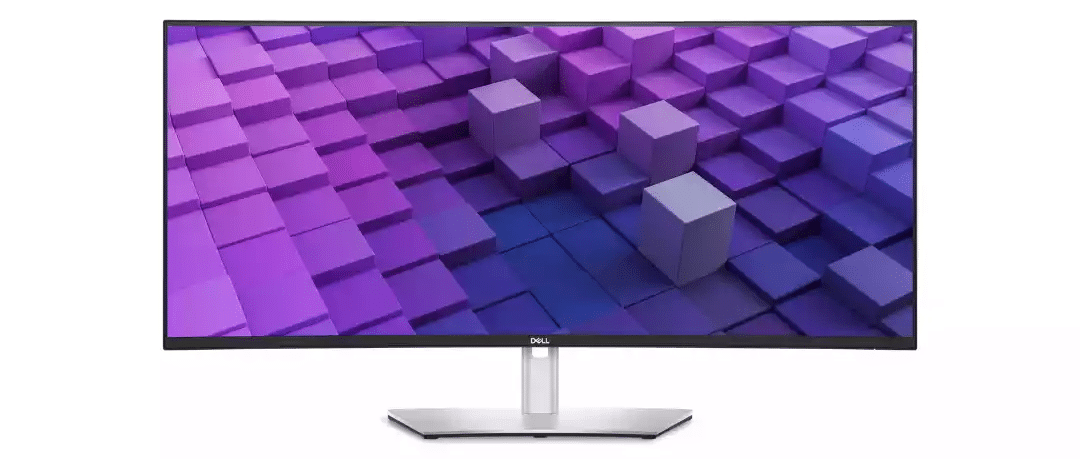
A 38-inch ultrawide adds extra space, which can help with wide spreadsheets and design work. The Dell UltraSharp 38-inch Curved USB-C Monitor sits in this larger category.
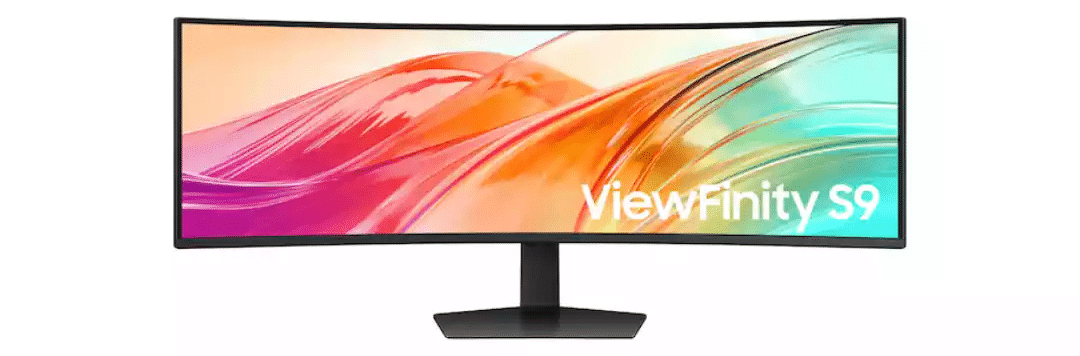
Then you have 49-inch super-ultrawide monitors, designed to provide an expansive workspace and effectively replace a multi-monitor setup for some users. The Samsung ViewFinity S9 S95UF 49-inch Monitor is one example, with a 5120 × 1440 display designed to create an expansive workspace.
When is an Ultrawide Monitor Worth It?
An ultrawide monitor is most useful when it makes everyday work tasks easier.
So, when could it be worth the upgrade?
When You Regularly Work Across Multiple Applications
If you are constantly moving between tabs and applications, a standard monitor might not cut it.
An ultrawide gives you more room to work on several applications at once.
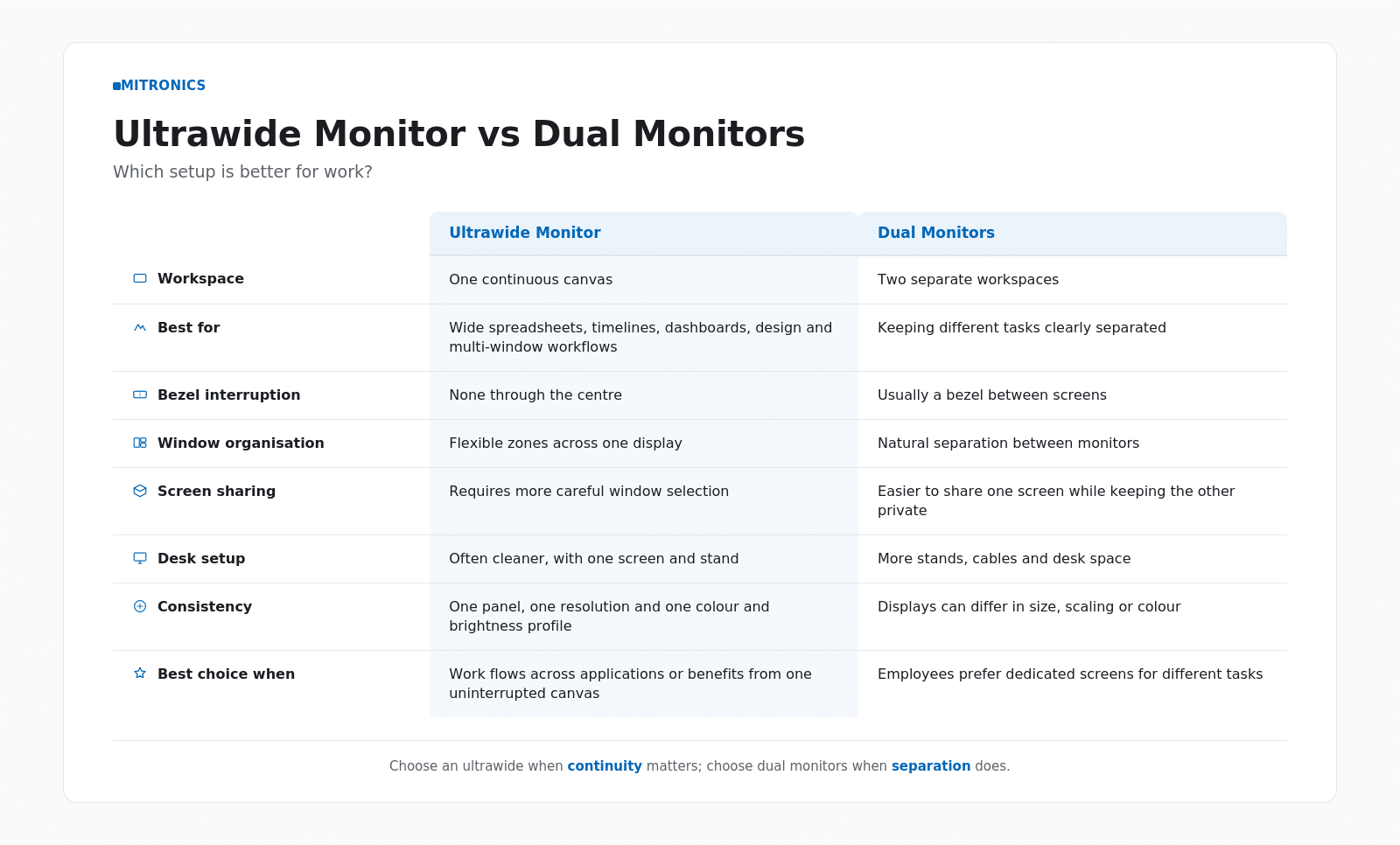
One of the biggest advantages of an ultrawide is that the workspace doesn’t have to function as one giant window.
Modern operating systems and window-management tools can divide the display into zones, effectively creating several work areas across one screen.
When You Want to Simplify a Dual-Monitor Setup
Two monitors can be a great addition to a workplace setup, but that also means you’re managing two setups. Different resolutions,, scaling, and brightness levels both need to be adjusted to feel seamless.
An ultrawide monitor replaces that with one consistent canvas.
When You Want the Monitor to Do More Than Display
For businesses that prioritise laptops, an ultrawide can replace a whole stack of desk hardware.
With a compatible USB-C connection, one cable can carry the display signal, transfer data, and deliver power to the laptop at the same time. As you move up the range, monitors start adding built-in USB hubs, Ethernet ports, and tools for running multiple devices off one screen. For a hot desk or hybrid setup, this turns one screen into a very useful hub.
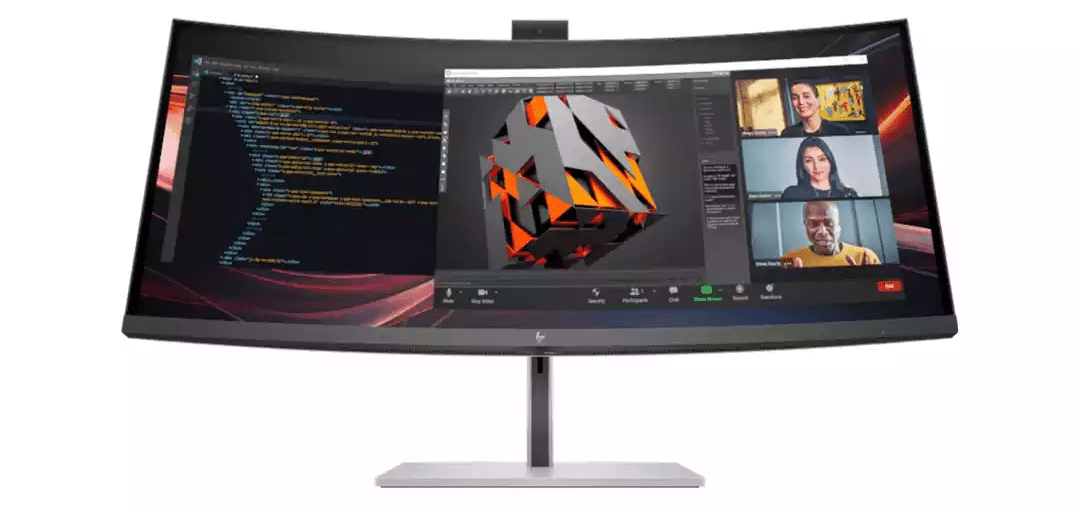
The HP Series 7 Pro 34-inch Conferencing Monitor WQHD, for example, combines an ultrawide display with conferencing functionality, making it particularly relevant for hybrid meetings and laptop-first workspaces.
Ultrawide vs Dual Monitors
Are Curved Ultrawide Monitors Worth It?
For larger ultrawide monitors, a curved screen can make a lot of sense.
A curved screen is more comfortable for the eyes, bringing the edges slightly toward you as you sit centrally and face the screen.
In fact, a Human Factors study comparing 33-inch and 50-inch flat and curved display screens found that curved configurations generally performed better for visual search and fatigue, while the 50-inch flat screen performed the worst.
Curvature is usually expressed as a number such as 1500R or 1800R. The lower the number, the deeper the curve. For example, 1800R represents the curve of a circle with a radius of 1.8 metres.
However, more curves is not necessarily better. Research indicates that screen size, viewing distance, and curvature work together, so the right option depends on the monitor’s dimensions and how it will be used.
Does More Screen Space Actually Improve Productivity?
More screen space can improve productivity, but the real benefit comes from easier information management.
Microsoft Research tested workers completing complex, multi-application office tasks on a small display versus a much larger display surface.
Participants completed the tasks around 9% faster on the larger display. They also performed more than 300 additional window-focus actions on the smaller screen, repeatedly bringing windows to the front as information became hidden behind other applications.
Perhaps just as telling, 14 of the 15 participants preferred the larger display.
Is an Ultrawide Monitor Worth the Upgrade?
Whether an ultrawide monitor is worth the upgrade depends on what it’s used for and by whom.
The biggest advantage is that employees gain more than just a large screen. Instead, it allows them to create a workspace that is easier to organise and better suited to the way employees work.
For teams that manage multiple applications and datasets at the same time, the extra horizontal space can make a noticeable difference.
But an ultrawide is not automatically the best choice for every desk. Some employees will still prefer the separation of dual monitors, while others may not need additional screen space at all.
The best setup comes down to designing a space that works for the employee.
Mitronics works with Australian businesses to design workplace technology around how their teams actually operate. From monitors and business computers to complete workstation and office technology solutions. If you are considering an ultrawide upgrade, the right starting point is not simply choosing the biggest screen available, but choosing the one that best supports the way your people work.
If your business is reviewing monitor setups or planning a broader workstation upgrade, contact Mitronics for help choosing the right monitors, business computers, and workplace technology for your team.
FAQs
What is an ultrawide monitor?
An ultrawide monitor is a computer display with a wider aspect ratio than a standard monitor. Most conventional screens use a 16:9 format, while ultrawide computer monitors commonly use 21:9. The extra width creates more horizontal workspace.
Are curved ultrawide monitors worth it?
For larger ultrawide displays, they can be. Curvature brings the outer edges of a wide screen closer to the user, making the full display easier to scan from a central seated position. Research also suggests curved displays may offer visual-comfort benefits on larger screens. However, screen size, resolution, viewing distance, and workstation setup remain more important than curvature alone.
Why would I choose an ultrawide monitor over a regular one?
An ultrawide monitor can make sense if you regularly work across several applications, use wide spreadsheets or timelines, or want to replace a dual-monitor setup with one continuous display. Some business ultrawides also include features such as USB-C charging, docking, built-in hubs, and advanced window management.
Does having an ultrawide monitor mean I can see more content at once?
Generally, yes – provided the monitor also has an appropriate resolution. Extra horizontal pixels let you fit more spreadsheet columns, longer timelines, or multiple windows at once. Physical size alone doesn’t determine how much content a monitor can display, so you should consider resolution alongside screen size.
Does the size of an ultrawide monitor matter?
Yes. A 34-inch ultrawide is often a practical option for everyday business use, while 38-inch and larger models can suit more complex or data-heavy workflows. Very large 49-inch super-ultrawides may replace multi-monitor setups for some users, but they also require more desk space and careful positioning. The right size should match the employee’s workflow, not simply be the largest screen available.