Here’s a sobering thought: The average Australian office worker spends around 1,800 hours per year at their desk. That’s 1,800 hours of typing, clicking, sitting in meetings, and collaborating with colleagues.
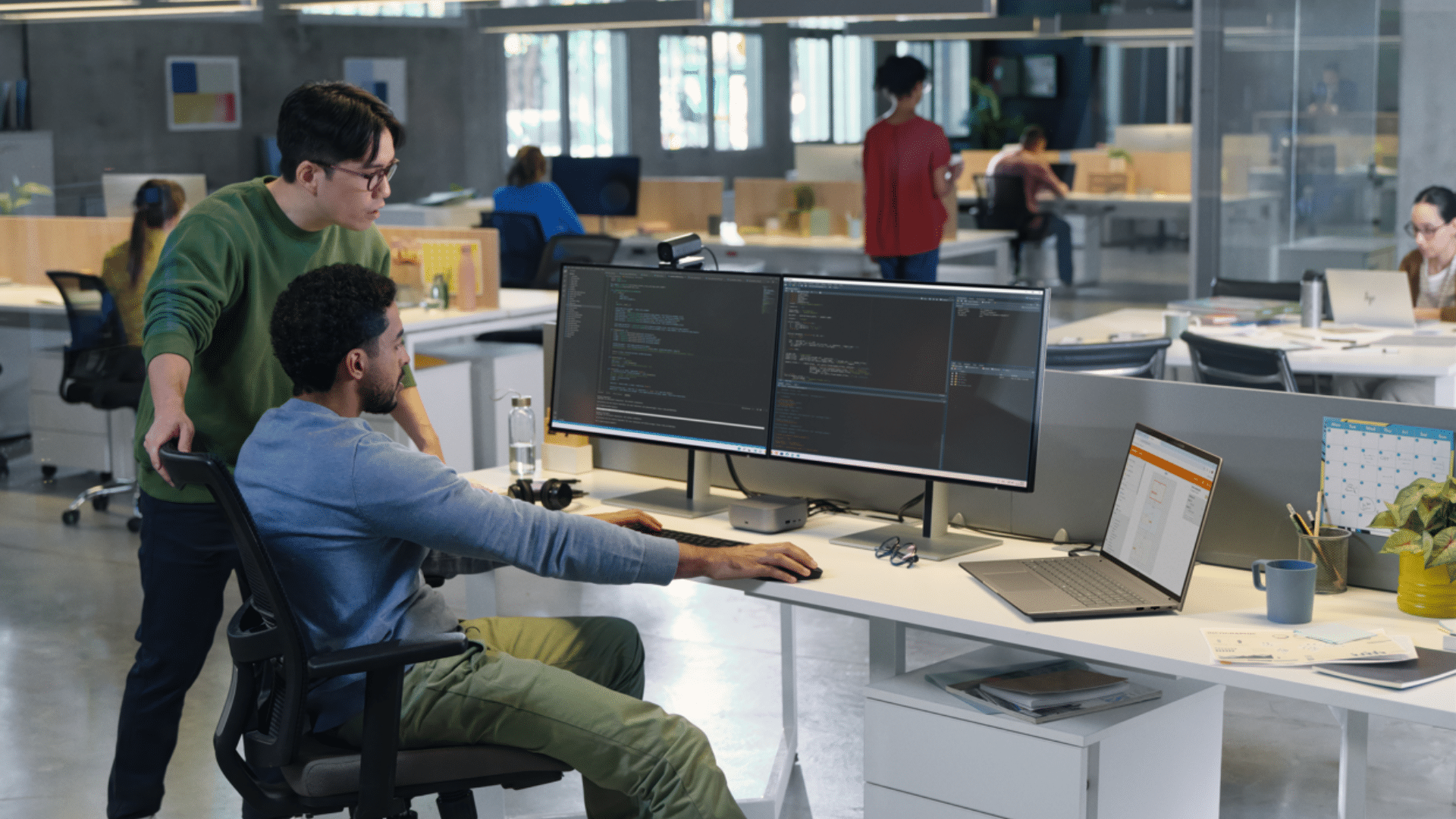
Now, picture a modern office with an open-plan layout. Sleek desks. The latest laptops. On the surface, everything looks impressive.
But appearances can be misleading.
The hidden cost of “good enough” technology.
Every day across Australia, employees work in offices that don’t truly support their work. Uncomfortable office chairs, slow printers, patchy video calls, you name it. When your office technology doesn’t support how your people work, performance suffers.
Employees lose energy and focus. Over time, these small frustrations can compound into genuine fatigue, reduced productivity, and even health issues that Australian business owners can’t afford to ignore.
What modern office technology actually means
In this context, modern office technology doesn’t necessarily mean having the latest gadgets. Regardless of whether you run your business from Hobart or Sydney, it’s about designing a space that supports people to do their best work.
Let’s explore the seven essential tools and technologies for the modern office.
4. Video Conferencing Equipment
6. Power, Docking, and Connectivity Technology
7. Endpoint and Device Management Technology
1. Ergonomic Furniture for Health and Focus
When an employee’s lower back starts aching around 11 am, they’re no longer thinking about those quarterly targets. They’re counting down the minutes until they can get outside for a walk.
Poor posture and prolonged sitting don’t just cause discomfort; they also directly impact focus, increase fatigue, and contribute to absenteeism that costs Australian businesses millions of dollars per year.
This is why ergonomic furniture is crucial in any modern office environment. Supportive ergonomic chairs and sit-stand desks are now expected in many workplaces, helping employees maintain healthier postures and vary their movement throughout the day.
Take a modern electric sit-stand desk, for example. These desks make it even easier for employees to reduce their time spent sitting. Clinical research shows that sit-stand desks are associated with improvements in neck and shoulder discomfort as well as work engagement and self-rated performance.
Investing in ergonomic furniture can mean:
- Reduced injury risk and workers’ compensation claims
- Sustained energy levels throughout the day
- Increased productivity from employees
Read more: How Ergonomic Office Chairs Can Help Fight Back Pain and Office Stress


Browse Ergonomic Chairs and Browse Standing Desks
2. AI-Enabled Laptops
AI is already embedded in many business devices nowadays.
AI-enabled laptops learn and adapt to how employees work. They study work patterns and shift processing power to applications that are actively being used. This helps extend battery life and keep applications running smoothly, juggling video calls, cloud-based platforms, and design software without slowing down performance.
AI-enabled laptops are important tools that keep pace with modern work environments. Leading analyst firm Gartner forecasts that AI PCs will represent a significant share of the global PC market in the near future.
From a business perspective, these benefits mean faster workflows and less downtime. Employees spend less time waiting on slow systems or managing technical issues. As workloads become more complex, AI-enabled laptops are increasingly becoming standard in modern office environments.
Read more: The Benefits of AI Laptops for Small Businesses

Browse our range of HP Laptops
3. Multifunction Printers That Integrate With Digital Workflows
Printing and document handling are still well and truly alive in many office environments. Contracts, compliance documents, and invoices require printing and scanning.
The challenge for many businesses isn’t the printing itself, but unmanaged printing. Outdated devices and disconnected workflows can introduce security risks and unnecessary costs. You’ve seen it happen. Someone prints a confidential document, and it sits in the output tray for hours, where anyone walking past can read it. Meanwhile, your IT team has no idea as to what’s being printed, who’s printing it, or how much it’s costing the business.
A multifunction printer (MFP) is an essential piece of technology that modern offices can benefit from. These intelligent devices are designed to seamlessly bridge the gap between your physical documents and digital systems.
Modern MFPs solve the exact problems that make traditional printing frustrating and risky. Secure authentication means print jobs are released only when the person is standing at the device. Scan-to-cloud functionality sends documents directly to your digital systems in just a few taps. And centralised management gives your IT team complete visibility into printing costs and usage.
The real difference is integration. When a supplier sends a paper invoice, it can be scanned and automatically routed to the accounts payable system as searchable data rather than just a saved image. When physical copies are needed, documents can be retrieved from secure cloud storage.
Rather than working around printing limitations, modern offices can manage documents to support productivity and compliance while keeping costs down using an MFP.
Read more: How MFPs Enhance Small Business Productivity

4. Video Conferencing Equipment
If you’ve ever had technical difficulties during video calls, you understand how frustrating it can be.
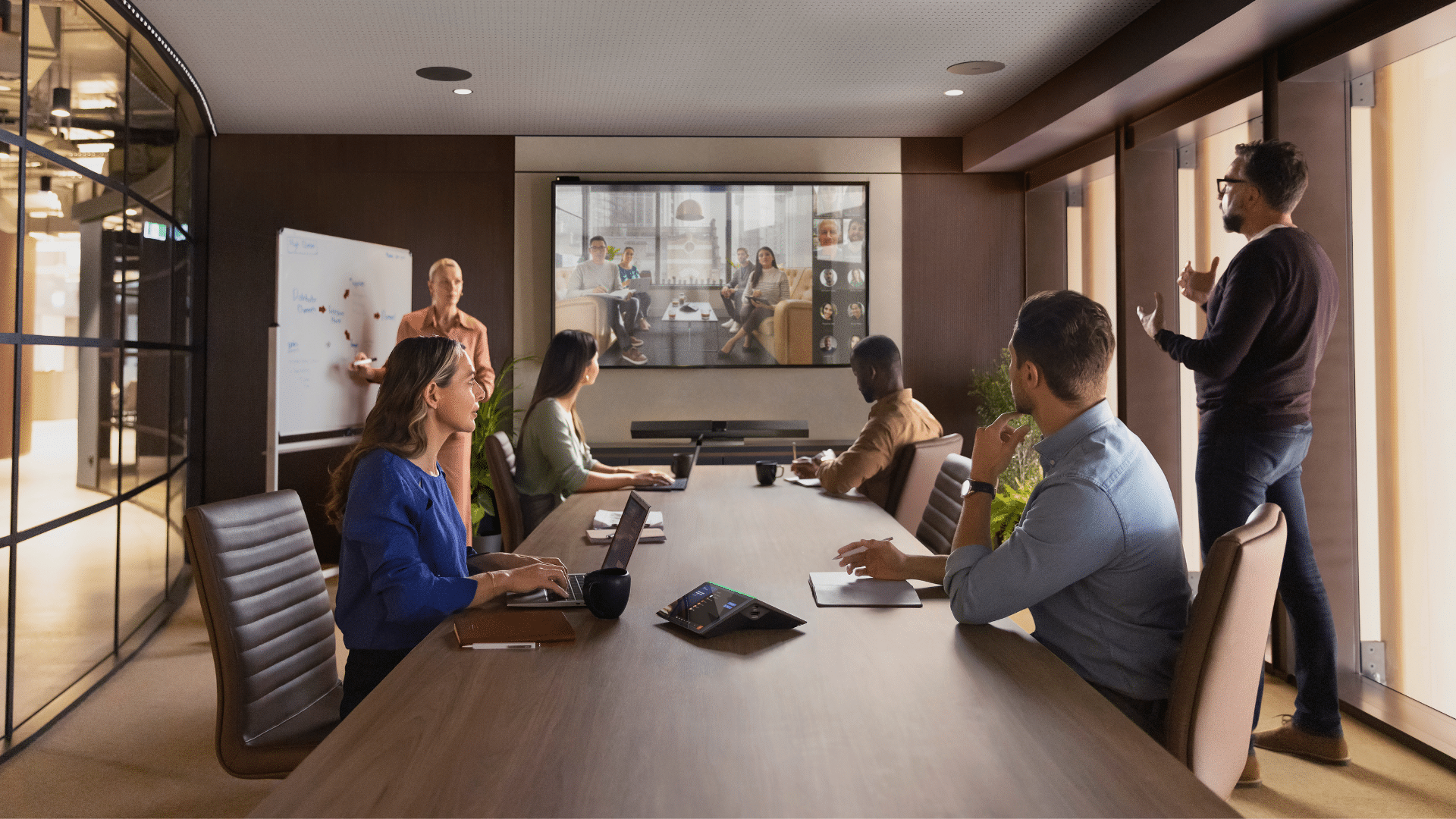
Poor audio and video aren’t minor annoyances – they’re productivity killers. Pixelated faces, dropped connections, and muffled audio all cause employees to disengage. Discussions are disrupted, and before you know it, that 30-minute meeting has stretched to an hour.
Reliable video conferencing equipment removes many of these issues. Quality microphones capture voices clearly in busy work environments, professional cameras ensure remote participants are visible, and high-quality displays enhance the overall experience for everyone involved.
When the technology works properly, meetings run smoothly, and everyone can contribute equally, regardless of location.

Browse Mitronics Video Conferencing Solutions
5. Interactive Screens
Collaboration works better when ideas are visible.
Think about your last productive brainstorming session. Chances are, ideas weren’t just discussed but sketched on whiteboards and mapped out for everyone to see.
Interactive screens are a natural way to collaborate and are essential in modern office environments, especially when team members join remotely.
Interactive screens enable teams to annotate content in real time. Ideas can be captured digitally and shared with everyone instantly. They are also an incredibly effective tool for running training sessions and workshops. Trainers can work directly with content and respond to questions by annotating examples on the screen.
Unlike traditional whiteboards, interactive screens automatically save everything. The diagram from Tuesday’s meeting is already in your shared folder, ready for review.
What this means for your business:
- Ideas captured and readily accessible, not erased and forgotten
- Remote and in-office participants contribute equally
- Training sessions become interactive
- Discussions are actioned faster

6. Power, Docking, and Connectivity Technology
Modern devices need modern infrastructure to maintain reliable performance.
In traditional offices where everyone had an assigned desk, you could set up once and forget about it. Modern workplaces don’t work that way. Hot-desking, flexible seating, hybrid work schedules, and shared meeting rooms mean employees are constantly on the move. These transitions should take seconds, not minutes.
Docking stations eliminate cable chaos. One connection gives employees instant access to monitors, peripherals, networks, and power. No hunting for adapters or figuring out which port does what.
Desk-integrated power and charging keep devices ready without the tangle of extension cords snaking across workstations. Small delays like this may seem minor, but when multiplied across your team, they can take away hours of lost productivity each week.
Proper power and connectivity infrastructure enable your team to work more efficiently, as employees can seamlessly move between workspaces. This is especially important for hybrid and remote teams and flexible office environments where desks and meeting spaces are shared.
7. Endpoint and Device Management Technology
Even the best technology needs proper management to deliver consistent results.
You can invest in ergonomic furniture, AI-enabled laptops, modern MFPs, quality video conferencing equipment, and interactive screens, but none of it creates value if it doesn’t work reliably every single day.
Modern offices run on dozens of connected devices. Laptops, printers, and network infrastructure – all of which need monitoring, updates, and support. Endpoint management is essential to managing security risks and keeping everything running smoothly.
What is Endpoint Management?
Endpoint management maintains visibility and control over every device in your IT environment. Which laptops need security patches? Did the meeting room display get the latest update? Without centralised management, it’s easy to let these things slip until something breaks.
Endpoint and device management technology provides complete oversight of your connected devices from a single platform. It’s the difference between reactive IT and proactive management that helps prevent costly issues from happening in the first place.
As Australian workplaces become more technology-driven, the number of connected devices continues to grow. Endpoint and device management provide modern workplaces with the structure they need to remain reliable at scale. It enables businesses to reduce disruption, manage risk, and ensure technology remains dependable. For businesses looking to better manage their range of workplace technology, Mitronics can support a more proactive approach to endpoint and device management tailored to modern work environments.
Layered endpoint security provides strong protection without relying on users to always make the right decisions or on IT teams to manage every alert. By working together, these security layers help ensure threats are contained early so that businesses can continue operating with confidence.
Bringing Modern Office Technology Together
Modern workplaces are more connected and digitally driven than ever before. As a result, workplace technology cannot be viewed as a collection of standalone tools. Every tool and technology – from furniture and devices to infrastructure and management – plays a role in how comfortable and supported your employees feel.
The seven technologies outlined above all address a common challenge for Australian businesses: reducing workplace friction. When technology works smoothly, employees can spend more time on meaningful work.
The good news is that you don’t need to overhaul everything at once. Start with the areas causing the most disruption to your team. Maybe it’s uncomfortable seating that leaves your employees with sore backs by midday, or video calls that constantly drop out.
The key is to view these improvements as part of an integrated system designed around people. This mindset is what is needed to build a truly modern work environment. When your office technology works together, people are better enabled to work at their full potential.
Ready to transform your workspace? Mitronics helps Australian businesses create modern office spaces where technology supports people instead of getting in the way. From individual devices to complete office fit-outs and managed IT services, we understand how modern workplaces actually operate.
Get in touch to discuss what tools and technologies would make the biggest difference for your team.

Roger Amir is the Director of Mitronics Corporation Australia, a leading provider of Office Equipment Supplies, Technology, Photocopiers, and Managed IT Services. He oversees strategic operations, helping Australian businesses optimise their workflows and drive productivity. Roger’s expertise focuses on tailored technology strategies, document management, and business efficiency. Connect with him on LinkedIn.