


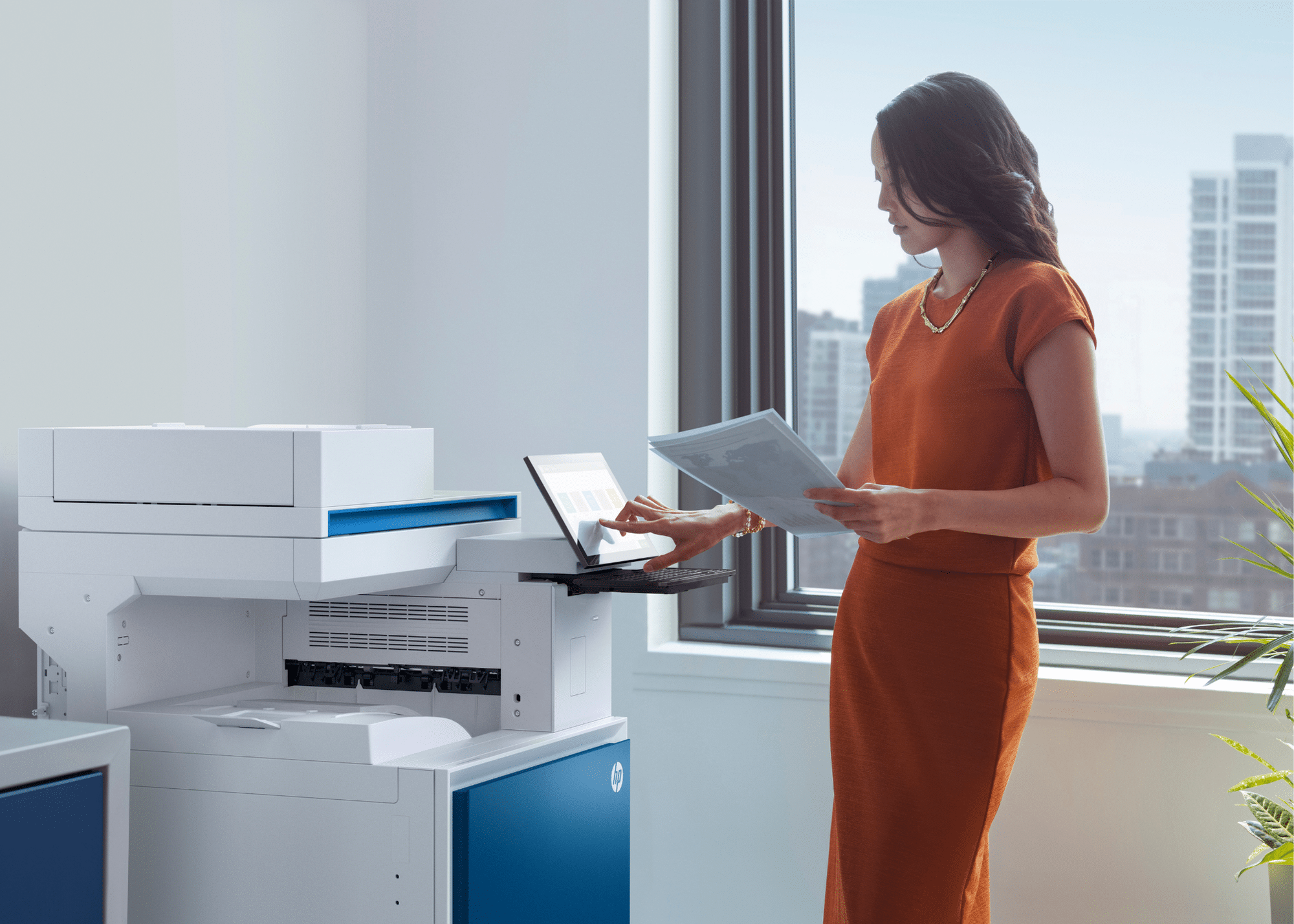
Running a small business can feel like a juggling act. Rising costs, limited resources, and the pressure to stay competitive mean efficiency is essential.
That’s where multifunction printers (MFPs) come in. Also known as all-in-one printers, they combine printing, scanning, copying, and faxing in a single device. Many modern models also connect to the cloud and offer wireless printing, so your whole team can work seamlessly without messy cables.
For small businesses in Australia, an MFP is more than just a printer – it’s a smart investment that saves time, reduces clutter, and keeps workflows moving.
In this article, we’ll explore 10 ways multifunction printers can streamline your workflows, protect your data, and save your business money.
Why Small Businesses in Australia are Choosing MFPs?
1. Streamline Document Management with Built-In Scanning
Managing documents doesn’t have to be a headache. Modern multifunction printers (MFPs) transform the way small businesses handle information by digitising everything at source.
With features like high-speed scanning and optical character recognition (OCR), your team can convert paper documents into searchable, editable files in seconds. This means:
- No more lost forms or misplaced invoices
- Faster access to important records when you need them
- Easier compliance with industry and tax record-keeping requirements.
Digital document management also frees up valuable office space and reduces human error – helping your team stay organised and productive. According to Safe Work Australia, improving workplace systems is one of the simplest ways to reduce admin stress and boost efficiency.
2. Boost Security and Protect Sensitive Data
When you’re running a business, keeping client information, invoices and contracts secure is non-negotiable. Modern multifunction printers for small businesses come with built-in security tools designed to protect your data at every step.
Key features include:
- User Authentication: Require PIN codes or ID cards before printing sensitive documents
- Data Encryption: Keep information secure while it’s sent to the printer.
- Secure Print Release: Prevent confidential files from sitting uncollected on the tray.
Many all-in-one printers also meet compliance requirements for industries like healthcare, finance and legal – reducing your risk of accidental data breaches. For businesses that print from multiple devices, Wi-Fi enabled MFPs add a secure, encrypted connection so your team can work confidently across laptops, phones and tablets.
3. Digitise Your Documents with Cloud-Connected MFPs
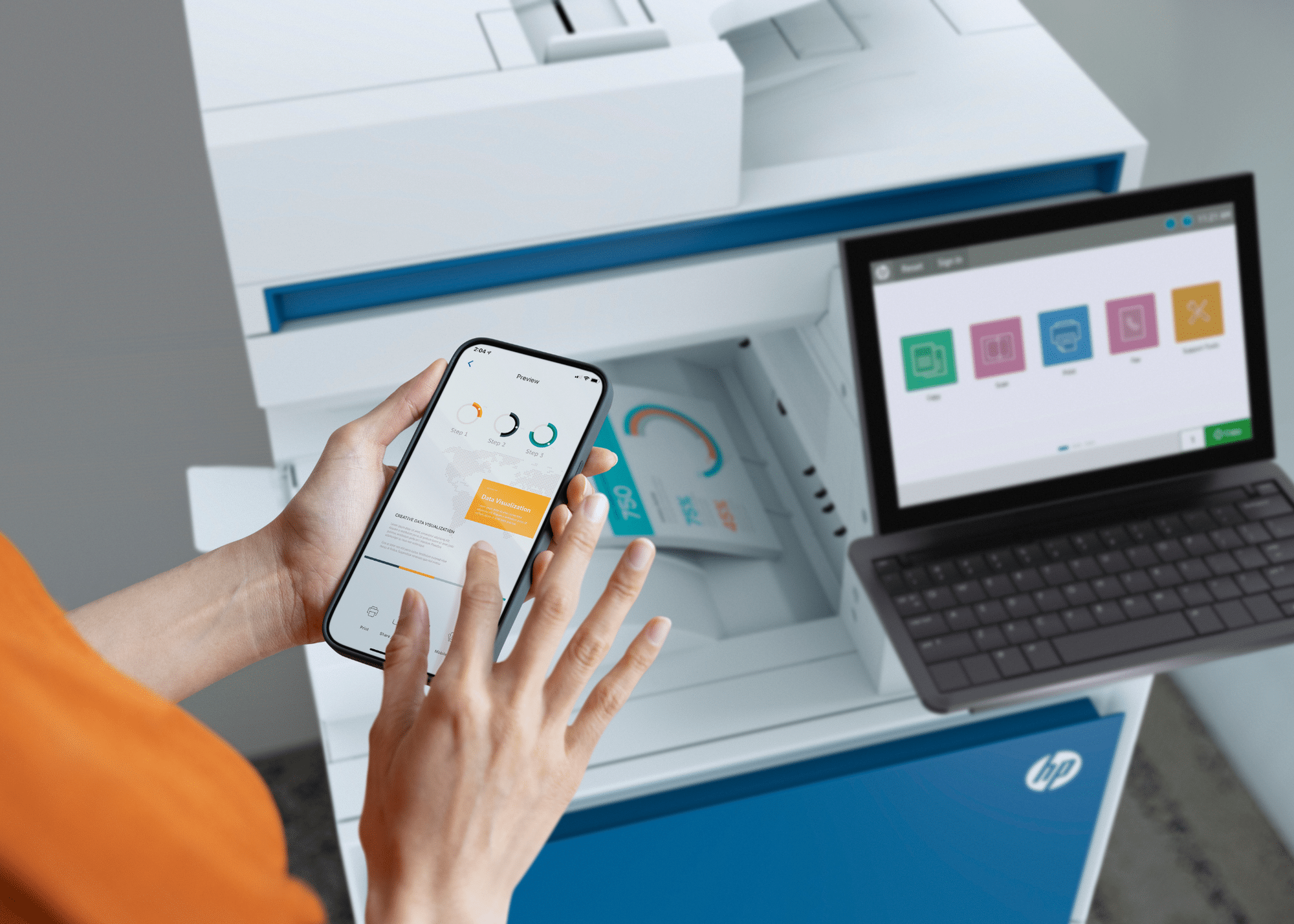
Paper clutter slows teams down – and in a hybrid workplace, it can stall collaboration. Cloud-connected multifunction printers with Wi-Fi make it simple to scan, store, and share documents digitally.
Instead of emailing files to yourself or passing around USB sticks, staff can upload scanned files straight to Google Drive, OneDrive, or Dropbox with a simple tap. This means documents are always available, whether you’re in the office, at home, or working on the go.
For small businesses, this isn’t just convenient – it’s a productivity boost. Your team spends less time chasing files and more time focusing on meaningful work, keeping projects moving smoothly no matter where people are located.
4. Enable Remote and Mobile Printing
Today’s workforce is more mobile than ever – whether it’s staff working from home, sales teams on the road, or managers travelling between sites. Wi-Fi-enabled multifunction printers make it easy to keep everyone connected.
Employees can print, scan, or share documents directly from their laptops, tablets, or smartphones using platforms like AirPrint, Mopria, or Google Cloud Print. No cables, no extra steps – just fast, secure access to the documents they need.
For businesses with multiple locations or hybrid teams, this keeps workflows consistent and minimises delays.
5. Automate and Customise Your Workflow
Small teams don’t have to waste time on admin tasks. Modern all-in-one printers allow you to build workflows that match how your business operates. You can scan directly to email, shared network folders, or even integrate with accounting and CRM software – all with one touch.
This eliminates unnecessary steps, reduces errors and keeps projects moving. For industries like legal, healthcare, or retail, MFPs can be tailored with pre-set shortcuts for common tasks such as scanning contracts, processing invoices, or creating digital records.
The result? Your staff spends less time shuffling paperwork and more time on customers, sales and growth.
6. Cut Costs with One Device That Does It All.
Buying separate printers, scanners and copiers can quickly eat into a small business budget. A multifunction printer (MFP) combines all of these functions into one space-saving device – reducing upfront spend, energy use, and ongoing maintenance costs.
Modern laser MFPs are designed to be toner efficient, keeping running costs low and print quality consistently sharp. For businesses that need advanced features without a big upfront spend, leasing or renting advanced MFP models through Mitronics is a smart option.
This approach lets you access the latest MFP models, from top brands like HP, Fujifilm, Brother, and Epson,. It allows you to upgrade when needed and keep cash flow predictable. Over time, the savings add up across power, consumables, and servicing.
7. Reduce Waste and Meet Sustainability Goals
Sustainability matters more than ever – for the planet and for your bottom line. Modern multifunction printers (MFPs) make it easier for small businesses to reduce waste and lower their environmental footprint.
Energy-saving features like auto-sleep modes and duplex (double-sided printing) cut electricity use and paper consumption automatically. Digital workflows and secure print release also mean fewer uncollected pages, reducing waste across the office.
Many MFP models are made with recyclable components, and toner recycling programs help keep cartridges from landfills.
At Mitronics, we help customers across Australia choose devices that meet green office standards and provide cartridge recycling support – so you can hit your sustainability targets while keeping costs under control.
8. Boosting Team Collaboration and Connectivity
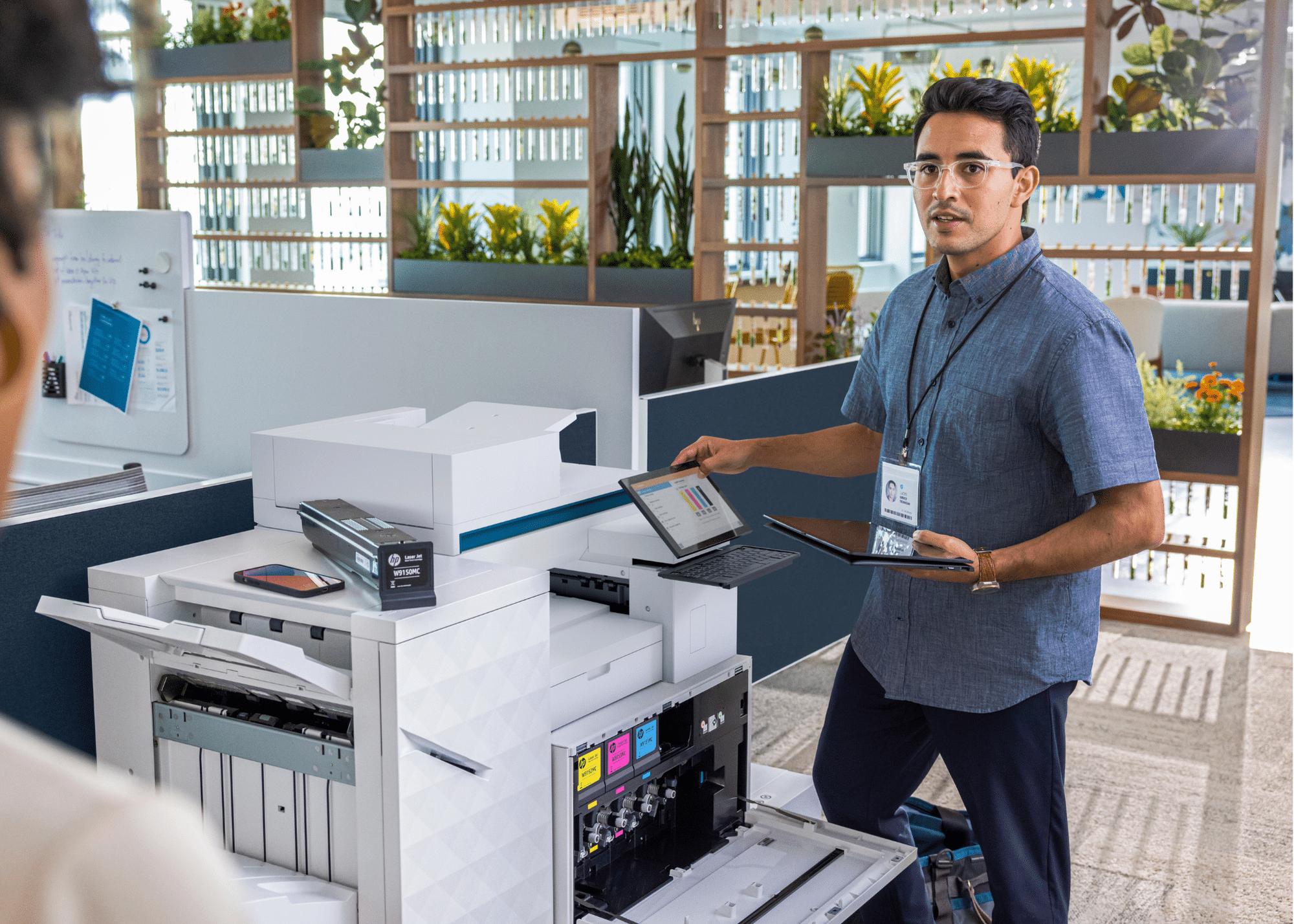
When everyone works from the same reliable device, collaboration becomes a lot easier. A single cloud-connected multifunction printer ensures that scanned files, shared documents, and printed reports are always in one central location – no more emailing files back and forth or dealing with version control issues.
Modern MFPs also integrate with the tools your team already uses – from Microsoft Teams and Slack to popular CRMs and project management platforms. This means staff can scan a document straight into a shared channel or folder – keeping everyone in the loop.
9. Supporting Hybrid Work Models
Hybrid work is here to stay – and the right tools can make it easier. Wi-Fi enabled multifunction printers allow employees to scan, upload and share documents from anywhere – so work keeps moving.
Need to print a contract before heading to a client meeting? Remote print access makes it possible to send files to the office MFP securely and pick them up before you arrive. Role-based access controls also keep sensitive data safe, even when staff are working across multiple locations.
With top trusted brands, Mitronics ensures hybrid teams stay connected, productive and compliant – no matter where they are working.
10. Seamless Integration with Existing Systems
Small businesses don’t have time for complicated IT setups. Modern multifunction printers (MFPs) are designed to work with the systems you already use – from accounting software and ERP platforms to document management systems (DMS) and cloud storage tools.
Most models offer plug-and-play installation, meaning you can be up and running in minutes without needing a full IT team on-site. This smooth integration keeps workflows consistent, avoids duplication and ensures your tech supports your business – not the other way round.
With Mitronics’ expert support, you can choose an MFP that fits your current setup, scales as you grow and avoids costly downtime.
Read more: How Digital Document Management Boosts Business Productivity & Profitability
Choosing the Right MFP for Your Business
Finding the best multifunction printer (MFP) doesn’t have to be complicated. Here’s what to consider:
- Business size & print volume: Smaller teams can choose compact MFPs, while larger offices need faster, higher-capacity models.
- Budget and cash flow: Decide whether buying, leasing, or renting is the smartest option. Mitronics offers all three, so you can keep costs predictable.
- Space: Compact Wi-Fi-enabled MFPs are perfect for home offices or tight workspaces.
- Industry needs: If you work in design, retail, or construction, consider an A3 multifunction printer for larger plans or posters.
- Volume and durability: Heavy users should look at laser MFPs that can handle high output while keeping print quality sharp.
Find the Best MFP for Your Business in Australia
A Multifunction printer does more than just print – it saves time, cuts costs and keeps your business running smoothly. From cloud scanning and secure printing to remote access and automated workflows – MFPs are built to meet the demands of today’s businesses.
Ready to upgrade your office?
Explore Mitronics’ full range of multifunction printers available to buy, lease, or rent Australia-wide.
Let Mitronics help you find the perfect MFP and create a more productive, cost-efficient, and connected workplace.