


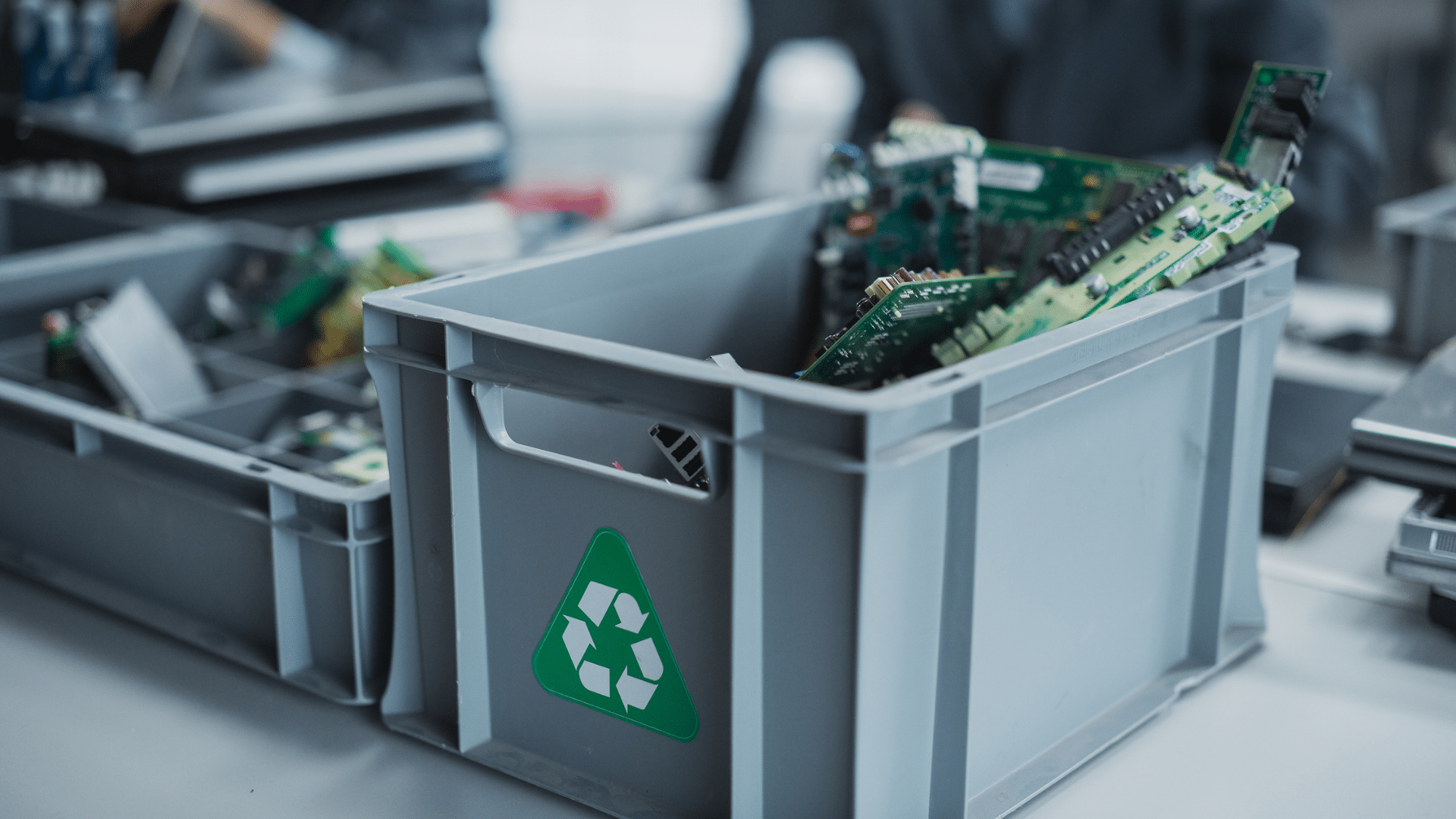
Most workplaces have one: a storage cupboard filled with old laptops, monitors, keyboards, chargers, and devices that collect dust.
They are too old to use, yet too useful to throw away. But retired office technology doesn’t just take up space. It can also hold sensitive business data, create security risks, and contribute to Australia’s growing waste problem.
Australia generated over 511 million kilograms of e-waste in 2019, and by 2030, this figure is expected to grow by 30%.
In this article, we will look at how to responsibly prepare old office tech for disposal, when to donate rather than recycle, and how Australian businesses can clear out old equipment without adding to landfill.
What is e-waste?
E-waste, or electronic waste, simply refers to electrical and electronic products that are no longer wanted. This includes laptops, desktop computers, monitors, printers, and other workplace technology.
The challenge with e-waste is that it often contains hazardous materials. The benefit is that many parts or materials can be reused.
Common recycling myths Australian businesses should know
Myth 1: It can just go in the yellow bin
Old laptops, monitors, keyboards, and accessories should not go in standard kerbside recycling. They need a dedicated e-waste pathway because they can contain hazardous materials that require specialist handling.
In Victoria, e-waste has been banned from household rubbish and recycling bins since 2019.
Myth 2: If the computer is switched off, the data is safe
Turning a device off doesn’t remove the sensitive data stored on it. The device needs to be securely wiped or properly destroyed. For businesses, this should happen before donation, recycling, or disposal.
Myth 3: Recycling old tech is expensive
For small batches, recycling may be more accessible than many businesses realise. Business computers can be dropped off at designated collection points across the country, and many services are free for households and small businesses.
Why old office tech shouldn’t sit in storage
There are two main reasons why we don’t want to leave outdated devices sitting for too long.
1) The first issue is data. Old devices, including laptops, desktops, and even some printers may still contain sensitive business data. Turning the device off, deleting files, or leaving it locked in storage doesn’t eliminate the risk of client records, saved logins, or internal documents being accessed. If the device is lost, stolen, donated, or recycled without proper data sanitisation – that information can still be exposed.
2) The second issue is the environmental impact. E-waste can contain hazardous materials such as lead, cadmium, and mercury, which should not end up in landfills. At the same time, many devices contain materials that can be recovered and reused, including metals, plastic, and glass.
For organisations with ESG goals, responsible disposal is no longer a nice extra. It is part of better workplace management.
Pre-disposal checklist
Before old office technology is donated, recycled, or disposed of, it needs to be prepared properly.
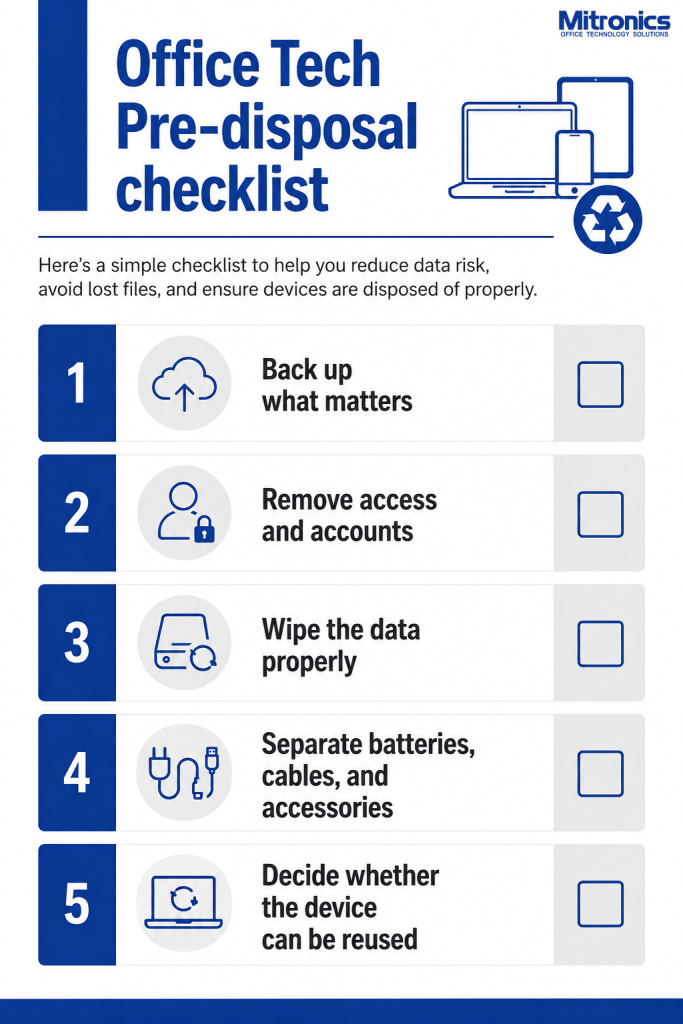
Here’s a simple checklist to help you reduce data risk, avoid lost files, and ensure devices are properly disposed of.
1. Back up what matters
Ensure that important files, records, and software licenses are backed up before equipment leaves the workplace. This may include documents stored locally, client files, accounting records, or software settings that need to be transferred.
2. Remove access and accounts
Sign out of business accounts, remove saved passwords, and disconnect the device from the company system.
3. Securely wipe the data
Deleting files isn’t the same as removing data. Information can remain on the drive unless the device is securely wiped, reset, or physically destroyed using the right process. Professional data sanitisation should be the priority before disposal.
4. Separate batteries, cables, and accessories
Cables, chargers, keyboards, mice, batteries, and other accessories may require different recycling streams. Batteries are especially important because they pose a fire risk when damaged or placed in regular waste bins.
5. Decide whether the device can be reused
Not every old device needs to be recycled immediately. If it’s still in good working condition, consider whether it could be refurbished or donated within the business. If it’s damaged or no longer usable, responsible recycling is often the better option.
Save the above FREE Tech Disposal Checklist!
Recycle or donate? How to choose the right option
Whether a device should be recycled or donated depends on its age, condition, battery life, and security risk.
When to donate:
If a laptop or monitor is fully functional and can be refurbished, donating it may be a better option than recycling. This can help extend the life of the device while also supporting those who need it, including schools, charities, or community organisations that may have limited access to technology.
Programs like Good360 Australia’s Laptop Launchpad can help redirect used laptops to good causes. For example, one of their initiatives involved distributing used business laptops to residents of Melbourne housing through Housing Choices Australia, helping them access essential digital tools for education, employment, and everyday life.
When to recycle:
If a device is broken or no longer holds a charge, recycling is usually the safer and more responsible path. Older monitors, damaged laptops, swollen batteries, and cracked screens shouldn’t be passed on if unsafe.
In Australia, computers and related accessories can be recycled through approved collection services under the National Television and Computer Recycling Scheme. The scheme is designed to keep valuable materials in use and reduce the amount of e-waste going to landfill, with a 90% material recovery target for participating arrangements.
Where Australian businesses can recycle old office tech
Once your devices are backed up and wiped, the next step is to decide where to recycle them.
For smaller batches, businesses may be able to use free drop-off services through programs such as TechCollect or Ecycle Solutions, or through participating council sites and retailer collection points. Under the National Television and Computer Recycling Scheme, eligible computers, monitors, printers, and related accessories can often be recycled through approved collection services, with free options available for households and small businesses.
For businesses managing a large office refresh, Mitronics can help coordinate the removal and responsible disposal of old office technology as part of the upgrade.
What happens after e-waste is recycled?
When old office technology is properly recycled, useful materials are recovered safely.
Devices such as laptops, monitors, and printers are usually dismantled or mechanically processed into different material streams. Copper, aluminium, steel, and other small amounts of precious metals can be separated and sent for further processing. Plastics and glass may be sorted into different recycling pathways, and circuit boards can contain small amounts of valuable metals, including gold and silver, that can be extracted through specialist processes.
This is why responsible recycling is important. Old office technology contains useful resources that can be returned to the circular economy rather than left in storage or sent to landfill. It also helps reduce the risk of hazardous materials entering the environment.
Thinking about an office refresh?
If you’re planning an office refresh, Mitronics offers the added advantage of bringing refreshed technology and responsible equipment removal together through one supplier.
Removing older office technology is easier when planned as part of a wider workplace upgrade. From managed print to office technology, furniture, and display solutions, Mitronics can help your business transition to more efficient workplace technology while supporting the responsible removal and disposal of old equipment via our managed IT services.
Contact Mitronics about your office technology refresh options.

Roger Amir is the Director of Mitronics Corporation Australia, a leading provider of Office Equipment Supplies, Technology, Photocopiers, and Managed IT Services. He oversees strategic operations, helping Australian businesses optimise their workflows and drive productivity. Roger’s expertise focuses on tailored technology strategies, document management, and business efficiency. Connect with him on LinkedIn.