
-In the AI age, intelligence is no longer added through software alone; it’s being built directly into laptop hardware. Major brands like HP, Intel, AMD, and Microsoft now include AI capabilities by design. Industry analysts predict that AI-enabled PCs will make up a rapidly growing share of all new laptop purchases over the next few years.
The real question for businesses in Australia is whether these new AI laptops deliver practical, day-to-day business benefits, or whether it’s simply clever marketing. To understand whether AI laptops deliver real value, it is helpful to examine what makes a laptop “AI-enabled” and the benefits it offers. This guide will cover both questions. We will also cover what businesses should consider before upgrading to AI laptops.
What is an AI laptop?
An AI laptop differs from a traditional laptop in that it has specialized hardware, specifically a Neural Processing Unit (NPU) designed to handle repetitive, data-intensive AI tasks efficiently. Unlike traditional laptops, which rely mainly on the CPU and GPU for computing tasks, an AI laptop utilizes its NPU to run specific AI features directly on the device.

This means an AI laptop can:
- Run AI features continuously without slowing down the device
- Use less battery power for intensive tasks
- Respond faster because processing happens on the laptop itself
So, how does this translate into real benefits for businesses?
The Benefits of AI Laptops for Businesses
AI-enabled devices help streamline day-to-day operations, saving time and improving output.

1. Productivity benefits of AI laptops
The benefits of AI technology adoption are already being felt across businesses in Australia, with productivity growth being one of the main advantages.
A major industry report estimates that AI contributes approximately $21 billion to the Australian economy each year. This is primarily due to faster decision-making and reduced time spent on repetitive tasks, such as preparing presentations or routine approvals.
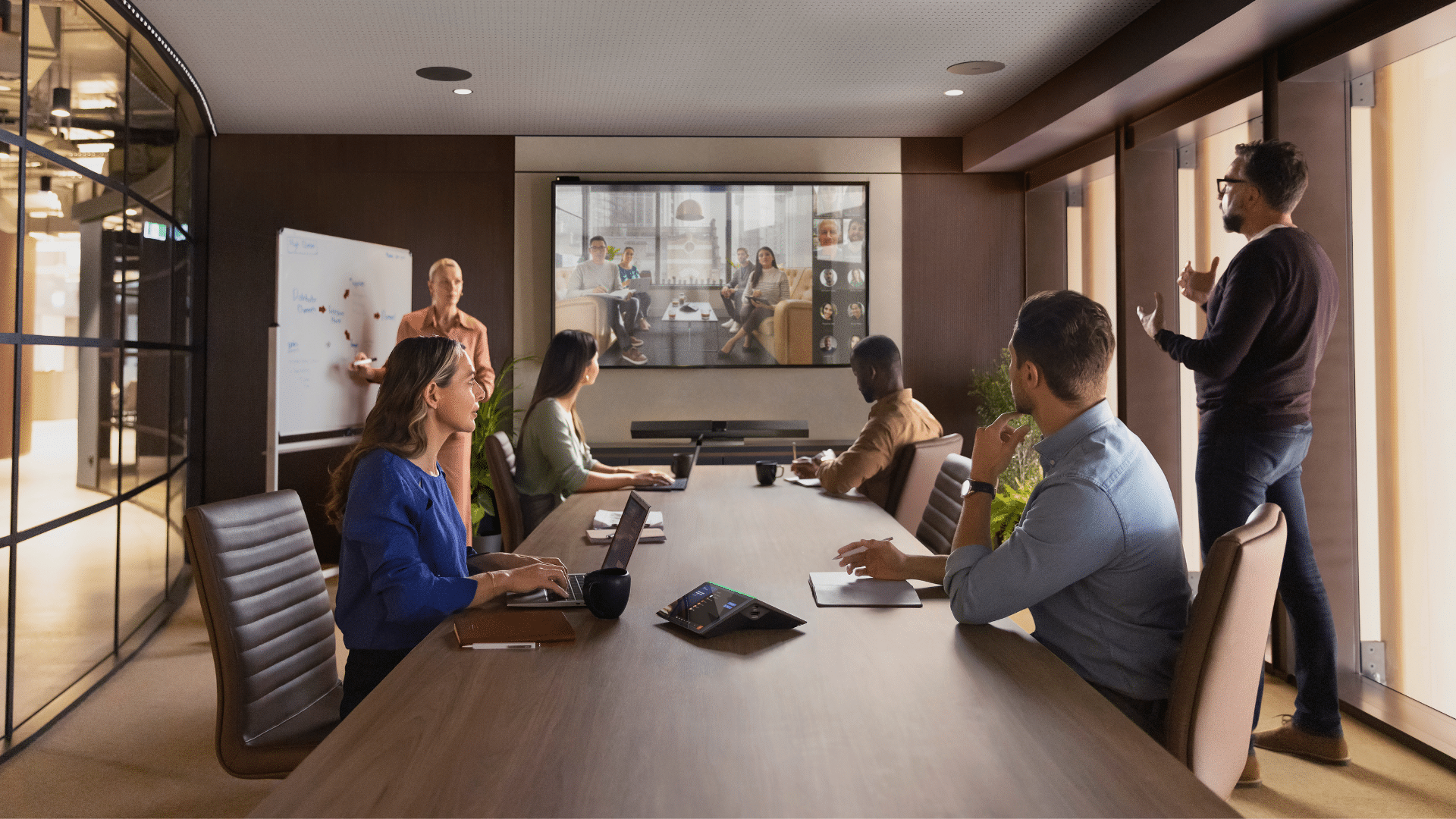
With AI assistants like Windows Copilot included on many AI laptops, routine tasks are made much easier. From summarizing meeting notes to drafting email replies, these tools, especially when utilized across an organization, can become huge time savers for businesses. Copilot also enhances team collaboration by providing automatic background effects for video calls and live captions, which help teams stay focused and on task.
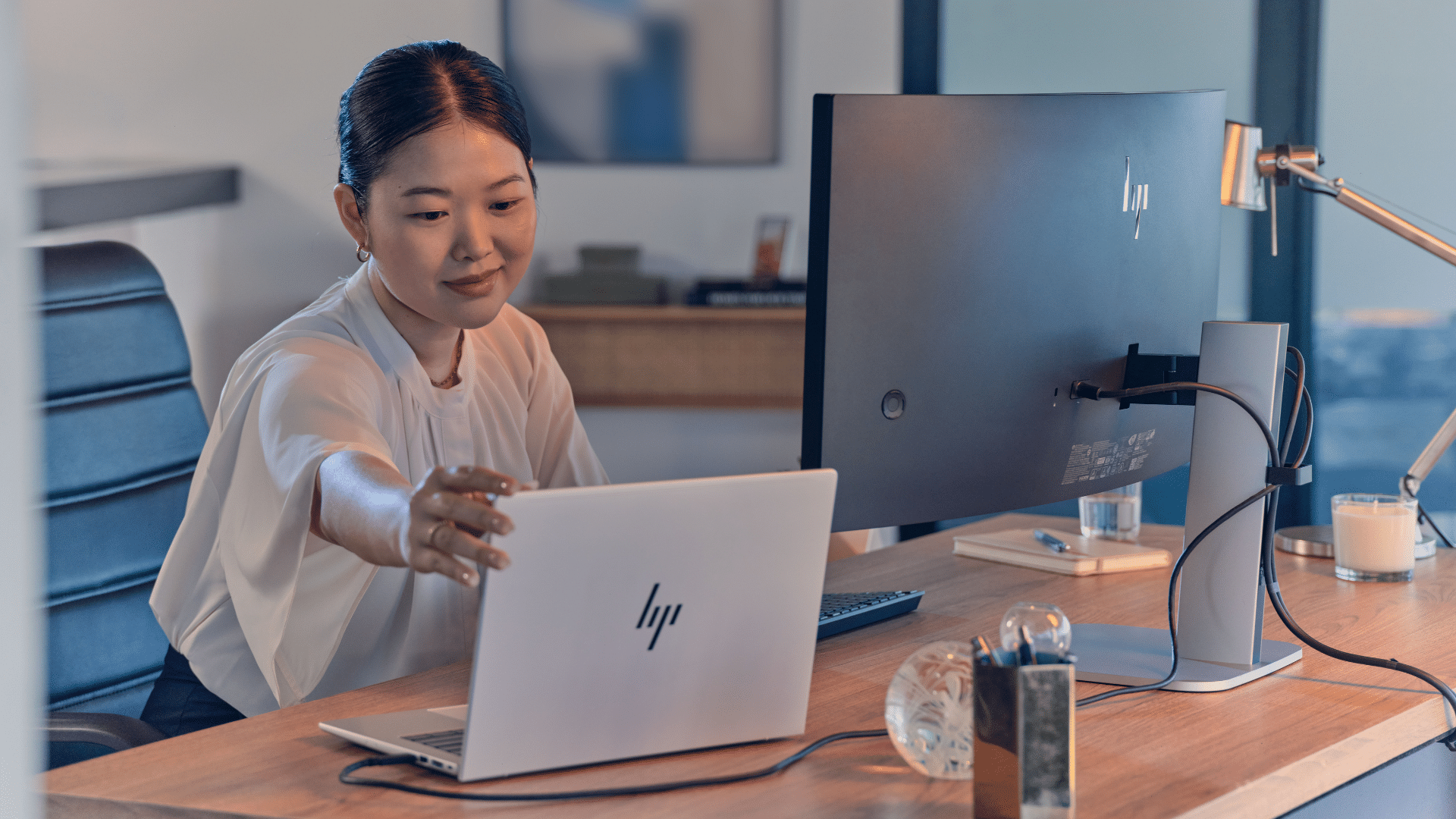
Businesses exploring new AI laptops can view the current range of HP business laptops at Mitronics.
2. Security benefits of AI laptops
The security features of AI-powered laptops are a leading reason why businesses are upgrading their devices. Because AI processing occurs on the laptop itself, risks can be identified and responded to faster than on a traditional laptop.
On-device intelligence monitors behaviour patterns rather than just known threats. Unusual activity, such as suspicious login attempts or abnormal system behavior, can be detected much earlier than traditional, signature-based security tools.
Many AI laptops also include built-in security features, such as biometric authentication (facial recognition or fingerprint scanning), hardware-level isolation of sensitive processes, and continuous monitoring for suspicious activity.
One of the biggest benefits of AI-driven security is that it runs in the background, handled by the NPU. This means stronger protection for businesses while having minimal impact on employee performance.
For small to medium-sized businesses without dedicated IT security teams, these features offer significant advantages, allowing them to reduce risks and support safer hybrid and remote working environments.
3. Power management in AI devices
Laptops with poor battery life are frustrating for employees, especially those working remotely. By leveraging AI to manage power, businesses can derive more value over time.
On-device intelligence understands how the laptop is being used, and performance is adjusted accordingly. Instead of running at full power all the time, the system prioritises active tasks and reduces energy use for background processes.
For businesses, this means:
- Longer battery life across the workday
- Stronger performance as devices get older
- Fewer interruptions caused by overheating or battery drain
Because AI-powered laptops are more efficient, laptop refresh cycles can be extended as these laptops can maintain consistent performance over a 3-5 year lifespan. According to Australian research, hardware refresh costs are one of the biggest ongoing IT expenses for small businesses. Extending the life of laptops by even one additional year can deliver huge cost-saving benefits.
AI Laptops vs Traditional Laptops

| Feature | Traditional Laptop | AI Laptop |
|---|---|---|
| Processing Architecture | Mainly CPU and GPU for all tasks | Includes a dedicated AI processor (NPU) for AI workloads |
| Multitasking Performance | Can slow down when handling background tasks and video calls | Uses AI to manage tasks more efficiently without impacting performance |
| Battery Life | Background tasks can drain battery life faster | AI tasks running on a low-power NPU improve battery life |
| Security Capabilities | Depends heavily on software-based security tools | Supports AI-assisted threat detection |
| Lifecycle Length | May struggle as software becomes more AI-driven | Designed to support AI software over a 3-5 year lifecycle |
Are AI Laptops Worth It for Businesses?
Whether you should invest in new laptops with built-in AI depends on a few factors.
It’s worth it if:
You’re refreshing devices anyway
If you are replacing your current laptops, upgrading to AI devices is a smart move. Features like Windows Copilot are used heavily today, and waiting too long could result in your business falling behind.
Your team relies on video calls and multitasking
If you operate globally or have a team that works across many locations, AI laptops hold real value. AI-enabled PCs can automate routine tasks, add live captions, and enhance call audio quality.
You want longer-lasting laptops
Investing in hardware that can handle higher workloads can extend the life of your devices, delaying future refresh costs and maintaining strong performance throughout their use.
Less urgent if:
Your devices are new and performing well
If your current laptops handle your workload well, then there is less urgency to upgrade immediately.
Business use is basic
If your business only uses a laptop for lighter tasks – like emails, web browsing, and occasional video calls, you may not need a premium AI device. The hardware may not deliver sufficient value to justify the investment.
What to Consider Before Purchasing
Not all AI laptops deliver the same benefits. The generation and architecture of the processor determine how effectively the device handles AI tasks. This is especially important for devices with Windows Copilot and real-time collaboration features.
Look for:
- The latest AI-optimised processors (e.g., Intel Core Ultra)
- Strong neural processing performance
- Reviews showing real-world productivity gains
Business-grade build
Business laptops should be able to withstand heavy use. Consider the build features such as the materials used, reinforced components, hinges, and the resistance to everyday accidents. Some business laptops are tested against MIL-STD-810H standards, also known as Military Standard. This essentially means the device has been tested to withstand conditions beyond those of normal office use.
Compatibility with existing systems
Ensure that your new laptop or laptops will work seamlessly with your current software and infrastructure. Ensure that your existing applications support AI features and that your device management tools will continue to function properly.
Budget
Consider your budget vs the long-term value of upgrading your devices. Consider the total cost of ownership over five years, including support and warranty coverage. A slightly more expensive laptop may actually save more money over the device’s lifetime.
Need help choosing the right AI laptop for your business?
If you’re considering upgrading or seeking advice on which AI features are worth investing in for your business, Mitronics can help.
Our team works with businesses across Australia to find business-ready laptops that support how your team works. Talk to our experts today!

Roger Amir is the Director of Mitronics Corporation Australia, a leading provider of Office Equipment Supplies, Technology, Photocopiers, and Managed IT Services. He oversees strategic operations, helping Australian businesses optimise their workflows and drive productivity. Roger’s expertise focuses on tailored technology strategies, document management, and business efficiency. Connect with him on LinkedIn.