
This image was generated using AI for illustration purposes and may contain inaccuracies.
Buying business laptops has become more complex. With AI features now built into many new devices, Australian businesses planning a laptop refresh are weighing up whether to invest in AI laptops or stick with traditional business devices.
AI-enabled laptops are being promoted by PC manufacturers as a new category, positioned as the next generation of business devices. For example, HP highlights its “Next-Gen AI PCs” as devices that can perform tens of billions of operations per second.
For business owners and IT managers, deciding whether to invest in AI-powered devices can be a complex decision. Are AI laptops worth the investment, or are traditional laptops still a solid option? Understanding how AI laptops compare to traditional computers is crucial for making an informed decision about upgrading.
How do AI laptops differ from traditional laptops?
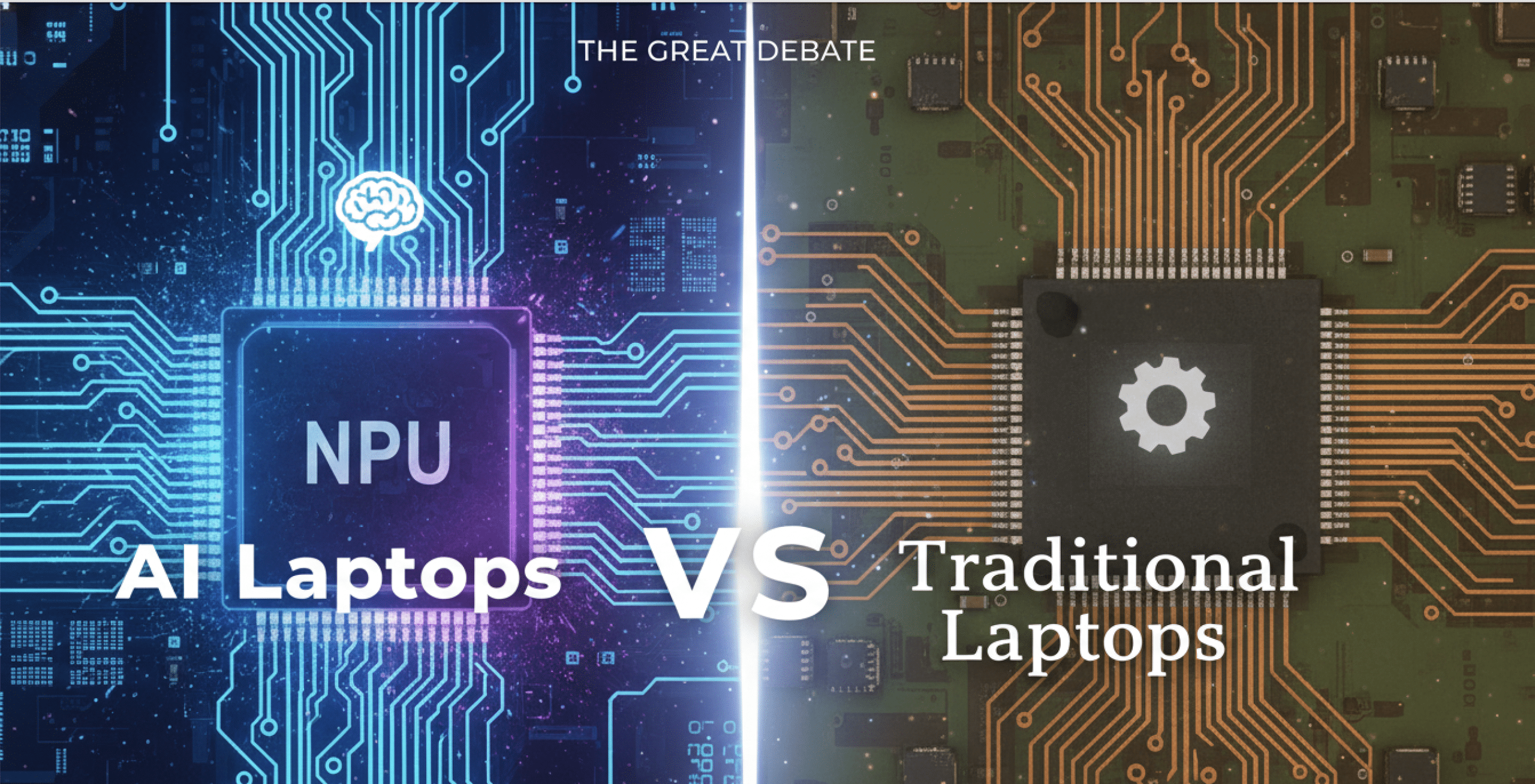
The primary difference between AI laptops and traditional laptops lies in how tasks are executed. In traditional laptops, the CPU and GPU handle all tasks, including opening files, running applications, and joining video calls. When too many tasks occur simultaneously, performance can slow down.
AI laptops, on the other hand, work differently as they include a Neural Processing Unit (NPU). A dedicated chip designed to handle AI-related tasks. Therefore, AI tasks are handled separately. The result is a laptop that can run smart features simultaneously without slowing performance.
They also work more intelligently. An AI device can recognise what you’re actively doing and prioritise those tasks while quietly managing background processes so they don’t get in the way.
For businesses, this means smoother video calls and increased productivity overall, thanks to faster response times. Offloading certain tasks to the low-power NPU also reduces energy use, extending battery life and helping devices run cooler and longer.
AI laptops also feature built-in AI capabilities, including AI assistants, background noise reduction, video enhancements, and live captioning tools.
AI Laptops vs Traditional Laptops: Feature Overview
| Area | Traditional Laptops | AI Laptops |
Processing approach | CPU and GPU handle all tasks | Includes a dedicated AI processor (NPU |
Multitasking performance | Can slow down running many apps at once | Prioritises active tasks for smoother multitasking |
Background tasks | Compete with active work for resources | Run quietly in the background on the NPU |
Battery efficiency | Background processes drain the battery faster | AI tasks run more efficiently, extending battery life |
Support for AI features | Limited or relies on cloud processing | Designed for on-device AI features and future software |

This image was generated using AI for illustration purposes and may contain inaccuracies.
Do these AI laptop features matter for your business?
If you’re still unsure as to whether upgrading to AI laptops is worth it for your business, let’s take a deeper dive into each benefit to help you decide if you should stick with standard laptops or upgrade to AI devices.
Benefit 1: Performance
AI laptops manage performance intelligently. Active work is prioritised, and background tasks are managed to prevent devices from slowing down during busy workdays.
Upgrade to AI laptops if:
- Employees multitask across multiple apps, video calls, and browsers.
- Laptops are slowing down during peak usage
- Performance consistency matters more than raw speed
Traditional laptops are fine if:
- Workloads are fairly light and predictable
- Staff usually use one to two applications at a time.
A recent survey found that 25% of professionals in Australia hold more than five online meetings a day, and are most likely to juggle emails and run apps simultaneously. In these environments, laptops that struggle under load can disrupt productivity. This is where AI laptops, designed to manage multitasking, could be a better fit for busy teams.
Benefit 2: Security and Risk Management
AI laptops offer behaviour-based security monitoring and enhanced biometric protection, helping detect unusual activity earlier without impacting performance.
Upgrade to AI laptops if:
- You don’t have a dedicated IT security team
- Your employees work remotely
- Devices regularly connect to different networks
Traditional laptops are fine if:
- Devices stay in the office
- You have strong IT security controls in place
According to the Australian Cyber Security Centre (ACSC), small and medium-sized businesses continue to be the most heavily affected by cyber attacks. In hybrid and remote working environments, where employees connect from multiple locations, early detection becomes just as important as strong passwords or antivirus software. AI laptops consistently monitor behaviour patterns on the device to detect threats early.

This image was generated using AI for illustration purposes and may contain inaccuracies.
Benefit 3: Battery Life & Efficiency
AI laptops reduce energy use by offloading tasks to the low-power NPU. This helps to extend the battery life during long workdays.
Upgrade to AI laptops if:
- Staff work away from their desks for long periods
- Battery drain interrupts the workday
- Your current laptops have loud fans or overheat
Traditional laptops are fine if:
- Your staff are mostly desk-based
- Charging ports are always available
More than one-third of Australian employees now work remotely or in hybrid roles. This means that a lot of time is spent away from fixed desks and power sources. In these environments, laptops that drain quickly or overheat easily can disrupt workflow. AI-powered laptops can boost productivity by handling background tasks more intelligently.
Benefit 4: Longevity
AI laptops are built with the future in mind. They are better equipped to handle software changes over time. This helps avoid performance drop-offs and means businesses won’t have to replace their laptops as often.
Upgrade to AI laptops if:
- You plan to keep devices for several years
- You want consistent performance over time
- You want to avoid mid-cycle refreshes
Traditional laptops are fine if:
- Your current devices are new
- Refresh cycles are short
Most businesses in Australia replace their laptops every three to five years. By this time, laptop performance has typically dropped as software becomes more demanding. AI-powered laptops can handle software updates more effectively, enabling devices to maintain their performance for longer periods.
Cost Considerations: Upfront Price vs Long-Term Value
If you’ve been considering purchasing AI laptops, you will have noticed that they typically come at a higher upfront cost. For many businesses, this is justified as they deliver better long-term value.
Businesses benefit from AI features that help to minimise downtime and therefore improve productivity. This makes them a stronger option for businesses that focus on the total cost of ownership and want to avoid frequent device refreshes.
When budgets are tight or devices are only needed for short-term use, traditional laptops may still be a suitable option. They may, however, need to be replaced earlier, especially as software requirements increase.
Choosing the Right Laptops for Your Business
For many IT managers and business owners, choosing laptops is a difficult decision. It’s one that must balance costs, performance, security, and long-term value – while remaining within budget.
Making the wrong decision can impact the business as it can lead to higher support costs or inconsistent performance across teams. It can even lead to devices needing to be refreshed sooner than planned.
The first step is understanding how your team actually works. Staff who rely heavily on video calls, multitasking, or remote work may benefit more from AI-powered laptops. Office-based workers with lighter workloads may not require advanced AI features.
Refresh timelines also play a key role. If your organisation is already planning an upgrade, investing in laptops designed for future demands can be a smart move.
Before upgrading at scale, seeking expert advice can help ensure that you choose devices that are best suited to your budget and operational needs.
To explore options designed for modern workloads, consider the latest HP business laptops available through Mitronics.
Need help choosing the right laptops for your business?
The Mitronics team can help you determine which laptops are the best fit for your workplace. Our experts can help you assess workloads and determine whether AI features will deliver real value to your organisation. Talk to the Mitronics team today!

Roger Amir is the Director of Mitronics Corporation Australia, a leading provider of Office Equipment Supplies, Technology, Photocopiers, and Managed IT Services. He oversees strategic operations, helping Australian businesses optimise their workflows and drive productivity. Roger’s expertise focuses on tailored technology strategies, document management, and business efficiency. Connect with him on LinkedIn.